Agent OS for real work

Cteno Agent OS for real work.

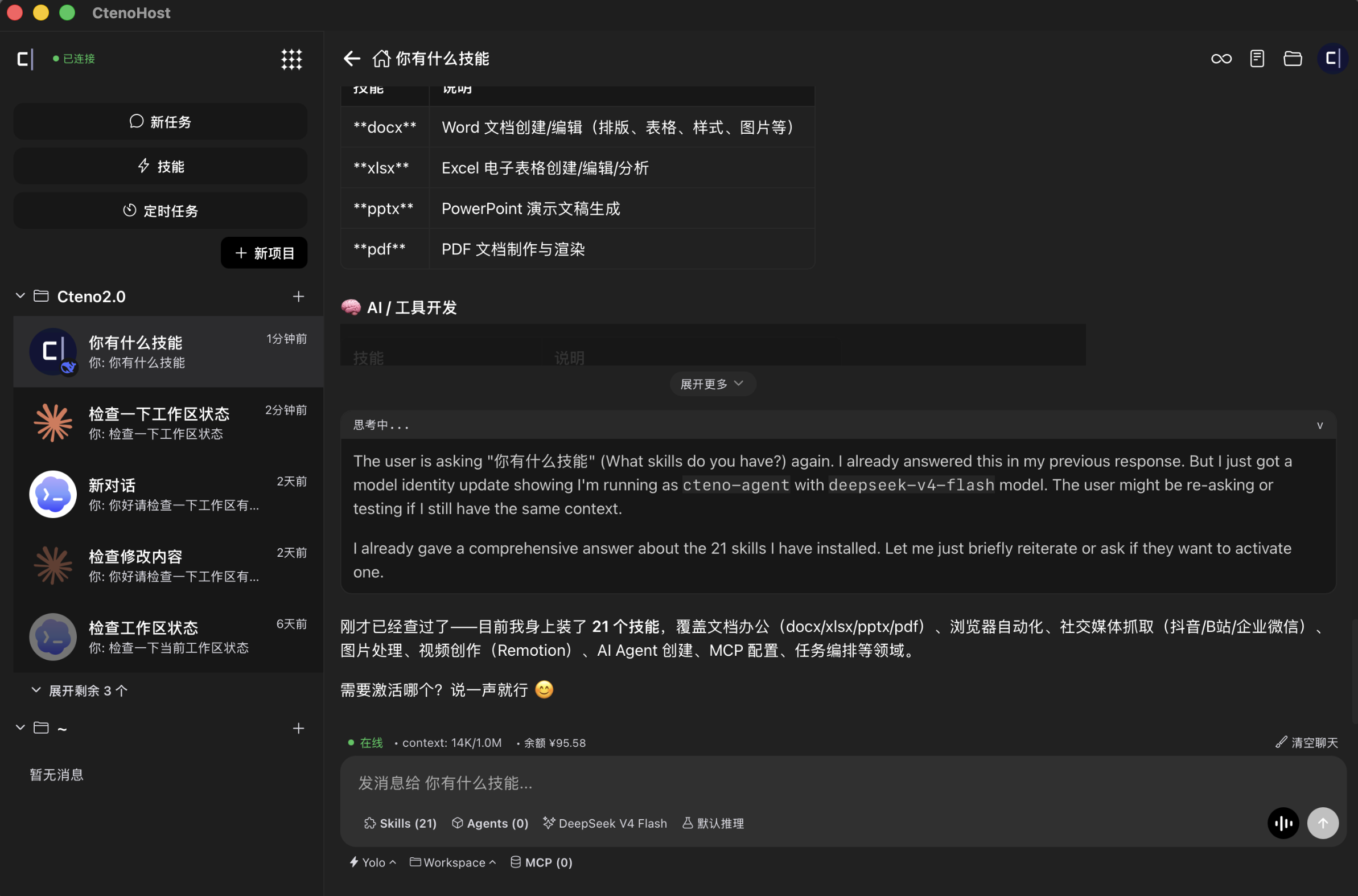
Cteno gives AI agents a local browser, long-term memory, permissions, and reusable workflows so they can log in, read pages, click buttons, fill forms, download files, and complete office work under your supervision.

Agent OS

Give AI a browser, memory, permissions, and workflows.

Cteno is not another chat box or a brittle RPA script. It is a local-first Agent OS for safely operating real websites and office systems.

Browser OS

A local browser runtime built for AI

Every task gets an observable, controllable, replayable browser session. AI does not just answer. It acts inside real pages.

  • Keep login state, page state, downloads, DOM, and screenshot history.
  • Combine DOM, vision, and CDP for page understanding and stable execution.
  • Let a human take over the browser at any time while the agent keeps context.
Workflow OS

Turn repetitive office work into automation

From backend lookups to spreadsheet cleanup, message follow-up, and approval submission, Cteno turns one-off delegation into reusable, schedulable, auditable flows.

  • Capture multi-step work across web apps, sheets, files, and messages.
  • Run manually, on a schedule, after failures, or as a follow-up.
  • Keep approvals, results, and evidence in one timeline.

Real work

Where work happens, Cteno can operate.

Cteno is designed for real web and office systems: sign into dashboards, read data, clean sheets, upload attachments, send messages, wait for confirmation, and save the flow.

Runtime surfaces
Browser sessions · local files · business connectors
Control boundary
Confirm before submits, sends, deletes, and approvals

01

Browser sessions

Work site
Signed-in dashboards, forms, download pages, and browser tabs that normally need a human operator.
Cteno action
Isolate sessions per task while preserving login state, page state, DOM, screenshots, and downloads.

02

Real operations

Work site
Business pages that require clicking, typing, selecting, copying, uploading, or downloading.
Cteno action
Operate inside the page and pause for confirmation before high-impact actions.

03

Office connectors

Work site
Cross-system workflows spanning dashboards, sheets, docs, calendars, messages, and local files.
Cteno action
Read, organize, write back, upload attachments, sync results, and turn the flow into reusable automation.

04

Approval and audit

Work site
Submits, sends, deletes, approvals, payments, and batch writes that change external state.
Cteno action
Keep confirmation, execution results, and evidence in one timeline for review and traceability.

OS kernel

Long-lived work state stays local. Agents execute.

Cteno's local daemon owns the browser, memory, permissions, tasks, files, and audit trail. The agent can restart without losing the work state.

Observe

Read page structure, screenshots, files, sheets, and historical context.

Act

Complete real operations through the browser, connectors, and local tools.

Persist

Turn one-off delegation into reusable, schedulable workflows.

Control

Put sends, submissions, deletes, payments, and other sensitive steps behind confirmation and audit.

Download

Install Cteno and put Agent OS on your desktop.

Windows

Windows installer when a release is available.

Android

Mobile companion for viewing tasks, handling approvals, and receiving execution state.

Linux CLI

Install the headless runtime and command-line entrypoint from the public install route.

Install command

curl -fsSL https://dev.cteno.cn/public/install/cteno-host-cli.sh | sh